Doha, Qatar: Passengers flying from Doha can now use Fast Pass, a facial recognition service at Hamad International Airport that allows eligible Qatar Airways passengers to move through selected airport touchpoints with fewer document checks.
Introduced in coordination with Qatar Airways, the optional service uses biometric verification to identify registered passengers through their facial image.
Here are some of the key questions about Fast Pass, including who can use it, how to register and how passenger data is handled.
What is Fast Pass?
Fast Pass is a facial recognition service that uses biometric verification to allow passengers to use their facial image at selected airport touchpoints instead of repeatedly presenting travel documents.
Who can use Fast Pass?
The service is currently available only to Qatar Airways passengers on eligible flights. Passengers must be at least 18 years old, hold a valid passport and have a trip that starts in Doha.
Fast Pass is optional, and passengers can continue to use the standard airport process if they choose not to register.
The airport also clarified that the service is not currently available to passengers with disabilities, but said this is included in future plans.
How can passengers register?
Passengers can register through the Qatar Airways app or at self-service kiosks at Hamad International Airport near Row 3.
Passengers registering through the kiosks must complete the registration process for each trip by following the instructions displayed on the screen.
Registration through the Qatar Airways app, meanwhile, is a one-time process, allowing passengers to use Fast Pass on future eligible trips without having to register again before each flight.
During both registration processes, passengers will be shown a Privacy Notice explaining how their personal and biometric data will be processed. Passengers are encouraged to read and accept the notice before submitting their information, in accordance with applicable data protection laws.
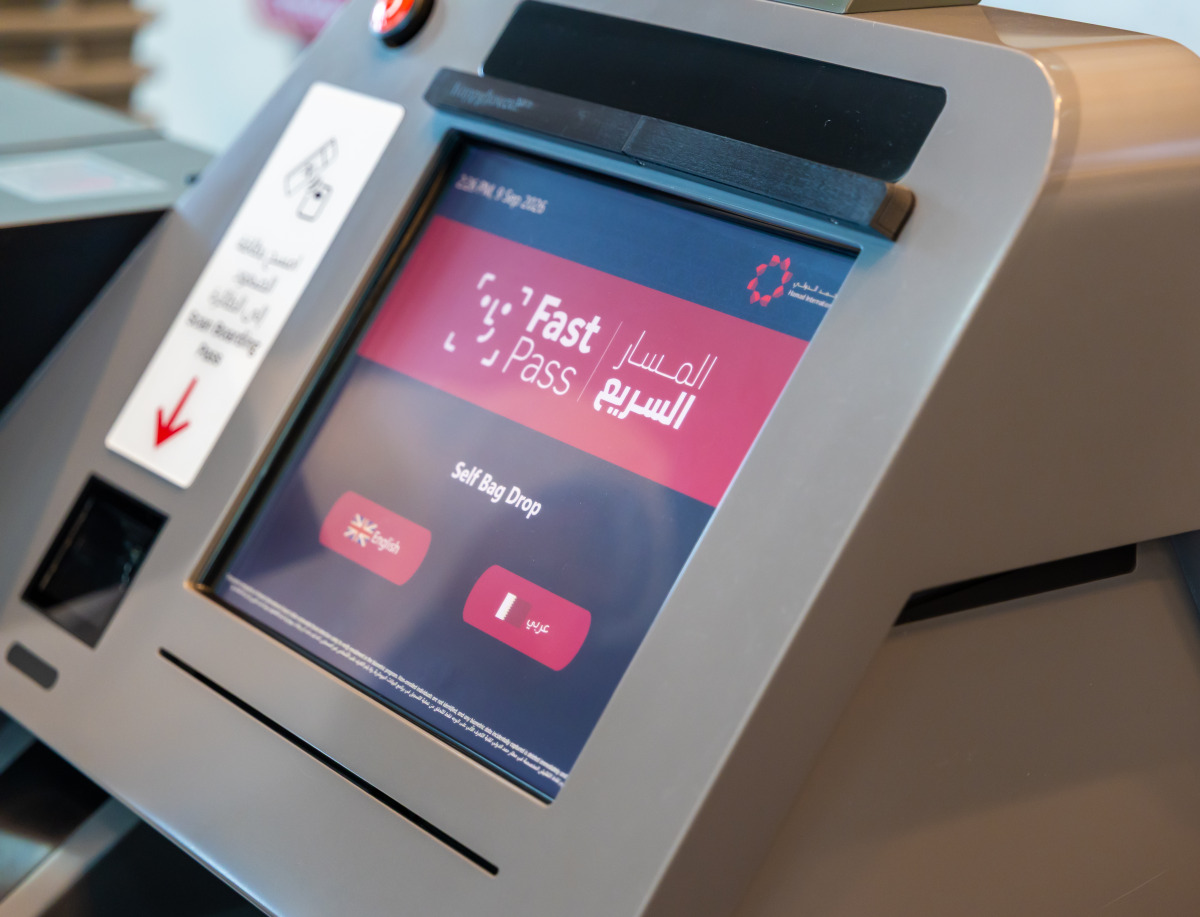
Where can Fast Pass be used?
Passengers who have successfully activated Fast Pass can use the service at selected airport touchpoints, including: self-service bag drops at Row 3; dedicated security gates 9 and 10; and boarding gates in Concourses A, B, C, D and E
Do passengers still need to carry their passports?
Yes. HIA stressed that passengers should continue to carry their passports even after activating Fast Pass, as passports may still be required at immigration or e-gates, or if the biometric cameras are unable to verify a passenger's identity.
If Fast Pass does not recognise a passenger, they may be asked to briefly remove items such as a mask or glasses. If facial verification remains unsuccessful, passengers will be asked to scan their boarding pass and continue through the standard process.
How is it ensured that the biometric camera captures only Fast Pass registered passengers?
HIA said the biometric cameras at designated checkpoints capture only passengers registered for Fast Pass. The cameras use automated facial detection to verify enrolment in the biometric programme.
Non-enrolled individuals are not identified, and any biometric data incidentally captured is deleted immediately and not retained.
How long is passenger data retained?
For passengers who register through the self-service kiosks at HIA, personal and biometric data is used only for that specific trip and is deleted 24 hours after the flight's departure.
For passengers who register through the Qatar Airways app, personal data is stored on the passenger's device and shared with the airport when Fast Pass is enabled for the trip. The data remains securely available in the Qatar Airways app, and passengers can delete their stored data from their device at any time through the app's settings.